
Recent Posts
Categories
Stay Informed
Security is changing, and for good reason. Cyberattacks are becoming more sophisticated and more common. As more people rely on the cloud for email and storage, attackers have more opportunities to target online systems. To help combat vulnerabilities, Microsoft is retiring built-in SMS text message and voice call authentication services. This change begins rolling out on September 1, 2026, with Microsoft-provided SMS and voice authentication fully retired on February 1, 2027.
If that sounds technical, don’t worry. Here’s what it means for your business in plain English.
Why Is Microsoft Making This Change?
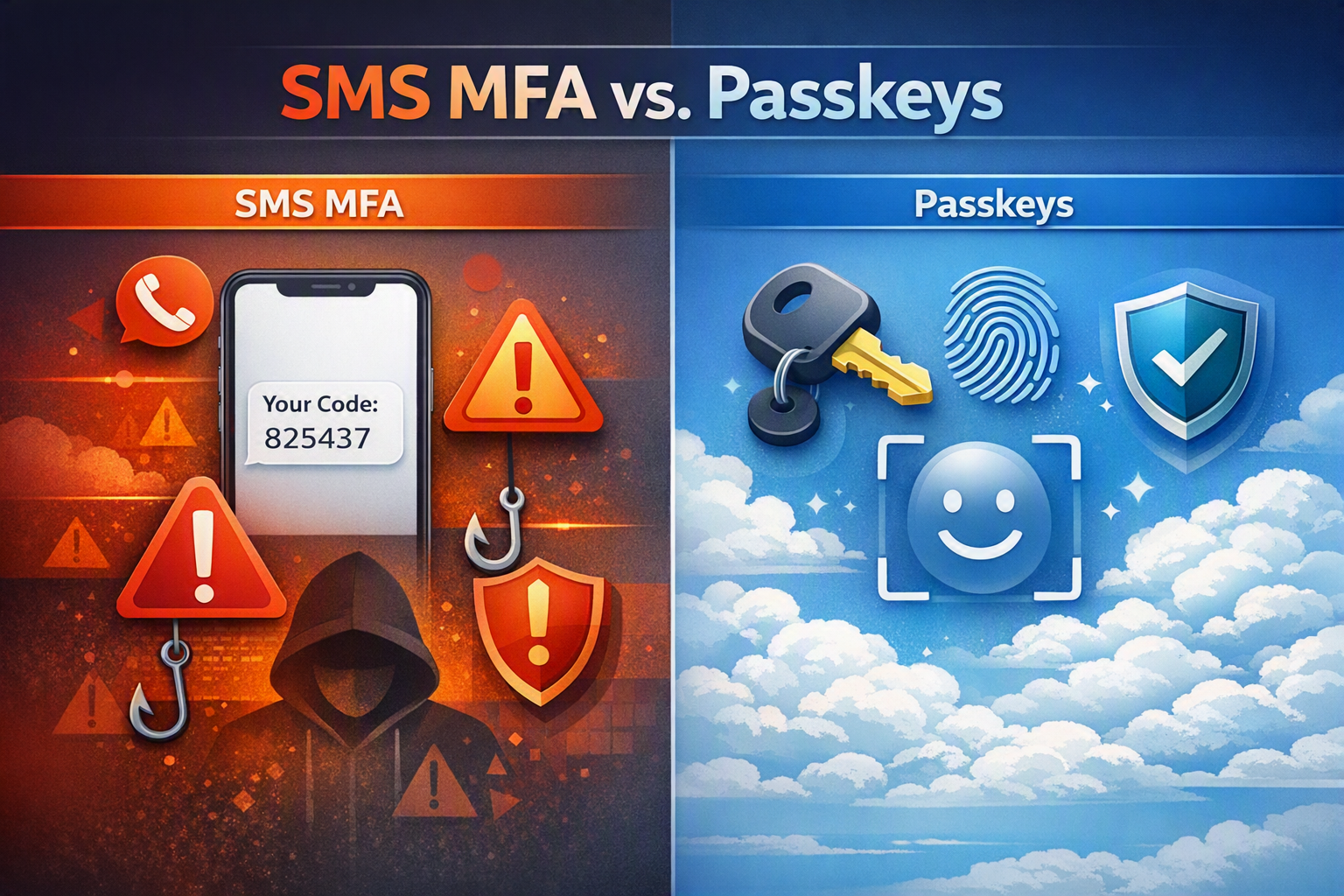
For years, many organizations have used text messages and phone calls as part of Multi-Factor Authentication (MFA). While these methods are better than using a password alone, cybercriminals have become much better at bypassing them through techniques such as:
- Phishing attacks
- SIM-swapping scams
- Social engineering
- Stolen verification codes
Microsoft’s security teams have determined that these older authentication methods no longer provide the level of protection organizations need today. Instead, Microsoft is moving customers toward passkeys, which are designed to be phishing-resistant and much harder for attackers to compromise.
What Do You Need To Do?
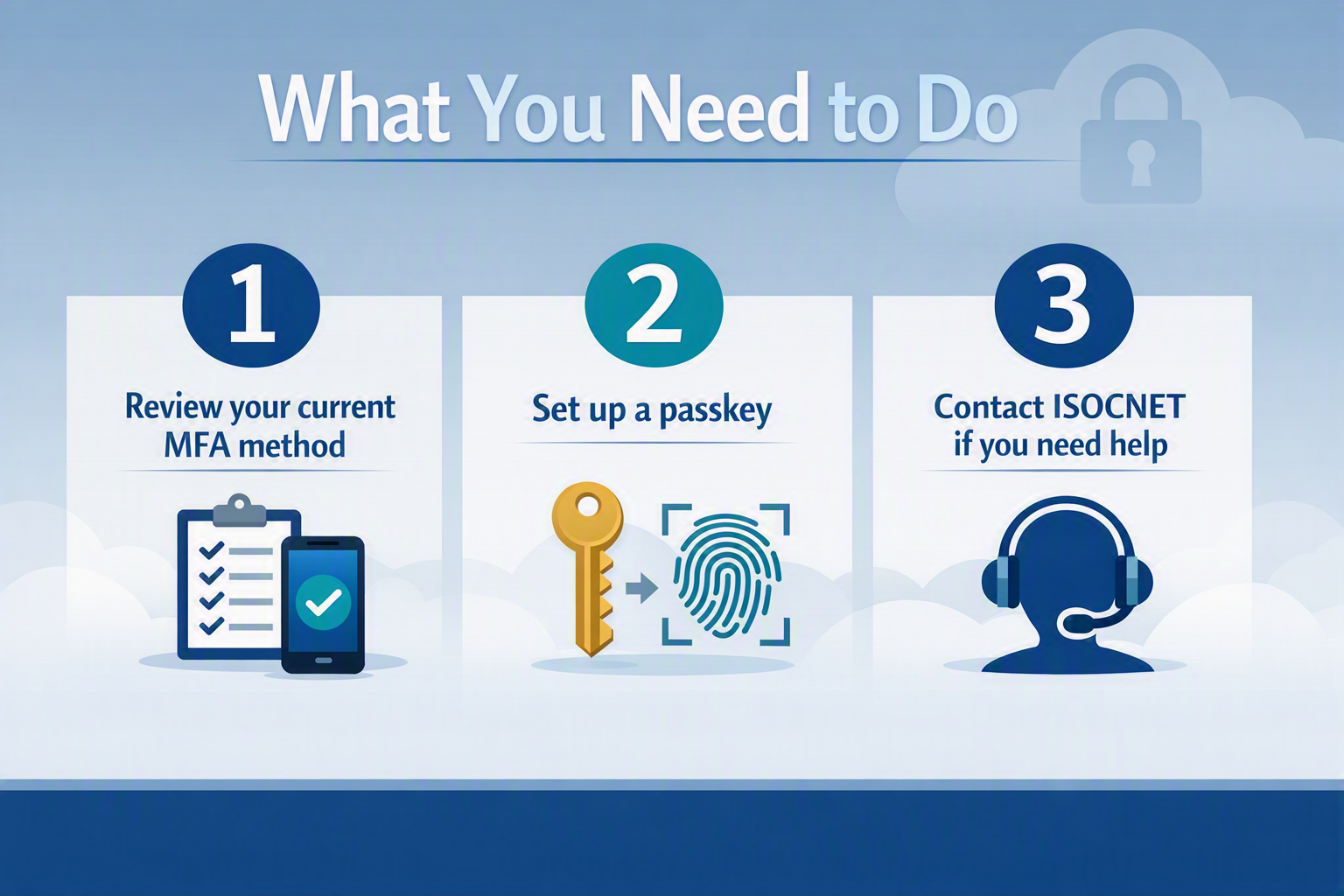
If you are using text or voice calling for Multi-Factor Authentication you will have to change it or remove it before February 1, 2027. You can choose to change your authentication method at your next login and/or set up a passkey.
If you are not sure how to change your authentication method, contact our Support Team at [email protected].
Passkey Options
A passkey is a secure way to sign in without relying on a password or text message code. This is a great alternative way to securely log in, and Microsoft is encouraging users to set it up at sign in.
What is a Passkey?
Most people already use passkey-style authentication every day when they:
- Unlock their phone with Face ID
- Use a fingerprint reader
- Use Windows Hello facial recognition
- Use a device PIN tied to their hardware
Instead of typing a password and waiting for a text message, users simply verify their identity using the security features built into their device. It helps you
- Sign in faster
- Easy to use
- Provides stronger protection against phishing attacks
- With fewer forgotten passwords
What Happens on September 1, 2026?
Beginning September 1, Microsoft will automatically prompt users during sign in to set up passkeys to assist in their security focus.
Users can choose to set it up or bypass it. If your organization wants to permanently bypass passkeys, contact our Support Team at [email protected].
What’s next?
This change may sound like a major shift, but for most businesses it will ultimately make logging in easier and more secure.
The key takeaway is simple:
Don’t wait until February 2027. Start preparing now.
Microsoft’s future is password less and phishing-resistant, and passkeys are quickly becoming the new standard for secure access to Microsoft 365.
Need Help Preparing? Contact ISOCNET today at 859-525-8730 or [email protected] to schedule a Microsoft 365 security review.